

WooCommerce
PAY by square for WooCommerce
Generate PAY by square codes automatically in your WooCommerce storefront.
Plugin description
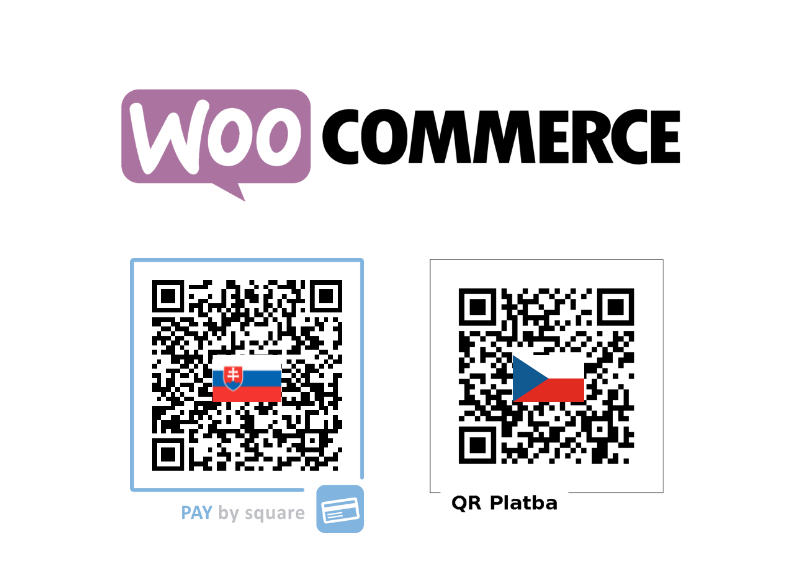
The WooCommerce plugin adds a PAY by square QR code containing the payment instructions to both the order summary page and the order confirmation email. Customers can scan the code with their banking app to pay instantly without retyping account details.
The plugin supports the Slovak PAY by square standard as well as the Czech QR Platba format, switching automatically based on the currency you configure.
You can also find the plugin on WordPress.org.
How to download
Install directly from your WooCommerce admin or download from the WordPress plugin repository.
WordPress.org listingHow to install
- Create an account. Sign up at portal.bysquare.com to obtain API credentials and manage your billing details.
- Install the plugin. Use the WordPress admin panel or manually upload the
wc-bacs-paybysquarefolder into/wp-content/plugins/. - Activate it. Enable the plugin from the Plugins page inside your WordPress admin dashboard.
- Configure PAY by square. In the WooCommerce payment settings you'll see a new PAY by square section - enter your bank account and billing details and provide your by square login credentials to start generating QR codes.
- Choose QR code format. Decide whether to generate the Slovak PAY by square code, the Czech QR Platba code, or let the plugin switch automatically based on the order currency.