

PrestaShop
PAY by square for PrestaShop
Embed PAY by square QR codes in your PrestaShop order confirmations and emails.
Plugin description
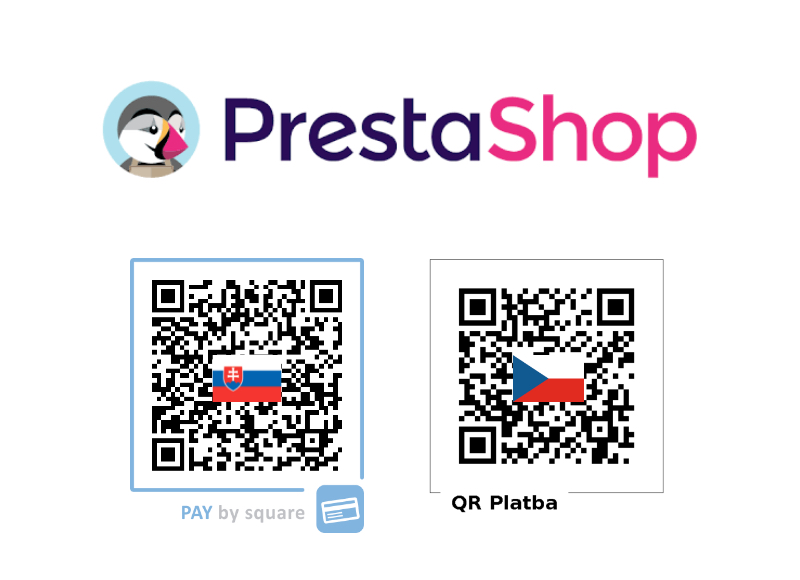
Based on your configuration and the order currency, the PrestaShop plugin injects a PAY by square QR code into the order summary page and the confirmation email. Customers can scan the code with their bank app to complete payment instantly.
Both Slovak (PAY by square) and Czech (QR Platba) formats are supported, allowing you to tailor the generated QR code to your market needs.
How to download
Download the latest version and upload it through the module manager in your PrestaShop administration.
Download moduleHow to install
- Create an account. Sign up at portal.bysquare.com to obtain your API credentials and manage billing information.
- Download the plugin. Save the ZIP file from our website and log into your PrestaShop administration panel.
- Upload the module. Navigate to Modules & Services, click Add new module, choose the downloaded file, and upload it.
- Install the module. After upload, click Install to enable the PAY by square module.
- Configure your details. Open the module configuration and enter your receiving bank account information along with your by square login credentials.
- Select QR format. Choose whether to generate the Slovak PAY by square QR code, the Czech QR Platba code, or to switch automatically based on the order currency.