

Magento
PAY by square for Magento 2
Add PAY by square payment codes to Magento order summaries and notifications.
Plugin description
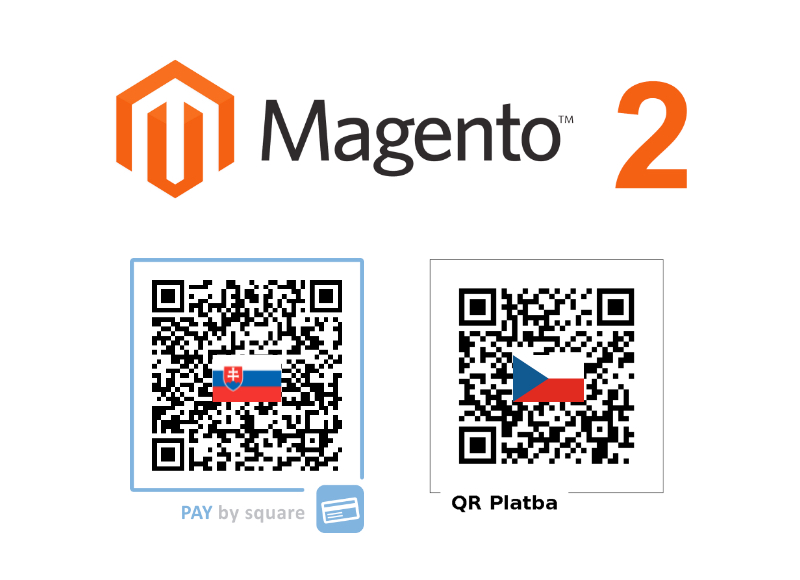
Depending on your configuration and the order currency, the Magento plugin displays a PAY by square QR code in Slovak or Czech format on the order summary page and in confirmation emails. Customers can scan the code with their banking app and confirm payment immediately.
You can restrict the plugin to a single format or enable both so the appropriate QR code is generated automatically for EUR and CZK orders.
How to download
Download the extension package and follow the Magento installation steps described below.
Download moduleHow to install
- Create an account. Sign up at portal.bysquare.com to manage your PAY by square credentials and billing profile.
- Download the extension. Save the ZIP file from the by square plugin portal.
- Install the plugin. Follow the steps described in the included README to deploy the module to your Magento instance.
- Open configuration. After installation, navigate to Stores > Configuration > Adelante > PAY by square to access the module settings.
- Provide account details. Enter your receiving bank information and by square login credentials so QR codes can be generated.
- Choose QR format. Decide whether to generate only the Slovak PAY by square QR, only the Czech QR Platba, or let the extension choose automatically based on the order currency (EUR vs CZK).